
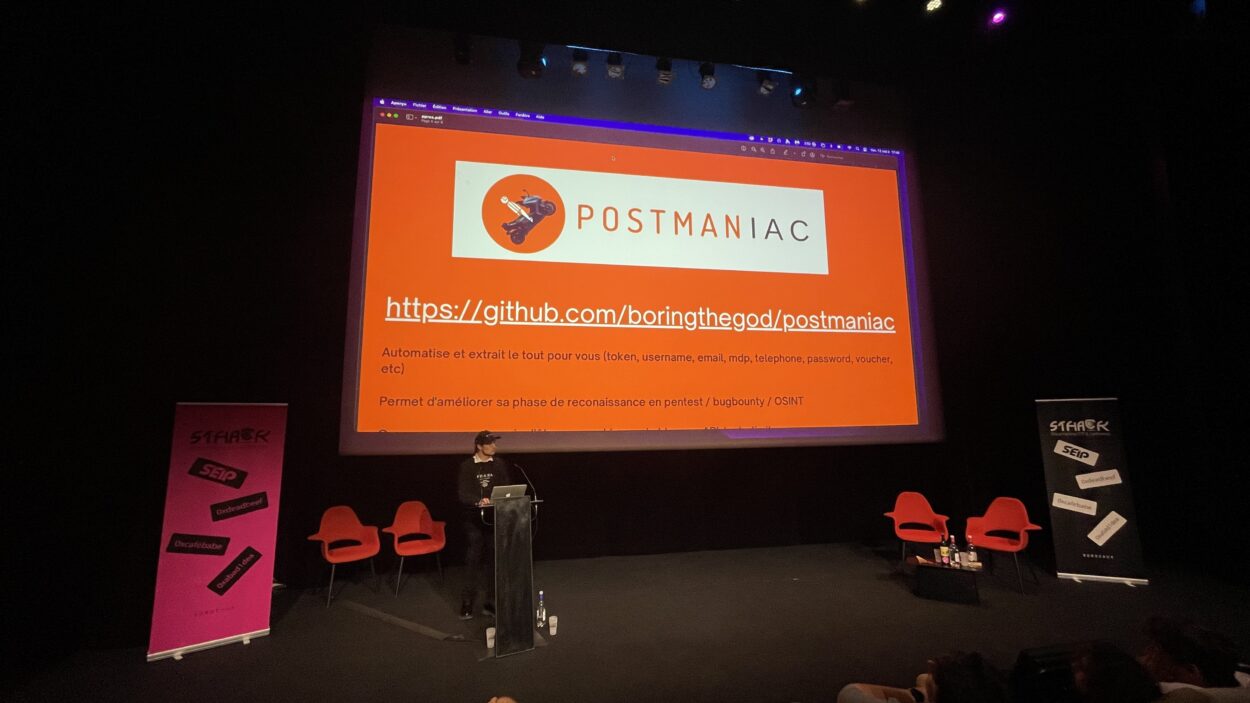
At Sthack 2023, I discovered a new OSINT tool presented during the rump sessions: Postmaniac. Created by Pierre Ceberio, an OSINT & Security Analyst, it caught my attention with its ingenuity and simplicity.
What is Postman?
Before going further, a quick reminder of what Postman does: it’s a widely used API development tool. Developers use it to test, debug and document APIs. It lets them send HTTP requests to servers, receive and analyse the responses, and collaborate with other developers on projects.
What is Postmaniac?
As its name suggests, Postmaniac is an OSINT tool that targets Postman, and more specifically its public workspaces.
When building requests in these public spaces, some users leave behind API keys, usernames, addresses, phone numbers and even passwords! All of this can prove useful during the reconnaissance or exploitation phase. Exposed API data is a recurring problem, as the Mixpanel breach affecting OpenAI API users recently showed.
Postmaniac is open source and hosted on GitHub.
Installing Postmaniac
Nothing could be simpler: all you need is Python 3 and the pip3 package manager:
pip3 install postmaniacTo check that it installed correctly, run:
➜  ~ postmaniac -h
usage: postmaniac [-h] query

Postman OSINT tool to extract creds, token, username, email & more from
Postman Public Workspaces

positional arguments:
  query       name of the target (example: tesla)

options:
  -h, --help  show this help message and exit
As you can see, the tool is remarkably simple.
If you’d rather not install Postmaniac from PyPI, you can run it from source or use the containerised Docker version.
Usage example
Let’s reuse the example from the GitHub repository, assuming our target is Carrefour:
➜ ~ postmaniac carrefour
Reconnaissance initiale : [============================================================] 100.0%

6 Workspaces trouvés
['https://www.postman.com/interstellar-satellite-1212-1/workspace/mf-c/', 'https://www.postman.com/uoldrive/workspace/csf-postman-collection/', 'https://www.postman.com/restless-escape-285717/workspace/my-workspace/']
...

14 Teams trouvées
['https://www.postman.com/cegedim-carrefour', 'https://www.postman.com/carrefour2021']
...

Scan du workspace 6/6 [########################################]
Terminé !

50 Collections trouvées
45 Valeurs d'environnements trouvées

Scan de la collection 50/50 [########################################]1027 Requêtes scannées :


7 valeurs d'authentification trouvées
51 valeurs intéressantes en headers trouvées
146 valeurs intéressantes en body trouvées
I’ve removed some of the output to keep it short, but everything is exported to the scan.txt file
A processing phase is then needed to keep only the information relevant to your target.
You can then review the generated file. For obvious reasons, I won’t share its contents here. This is also a good opportunity to remind you that this tool is intended for educational purposes only.
Here is the kind of information you can find in these workspaces:
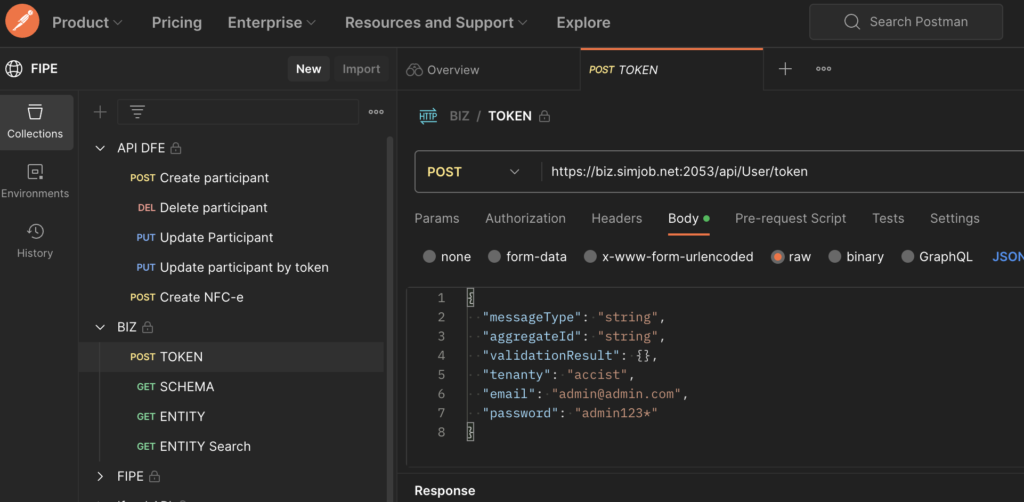
The tool is still very young: it was presented less than a week before I wrote this article. If you’d like to improve it or run into a problem, feel free to open a pull request or an issue on GitHub; its creator is very responsive.

Leave a Reply