
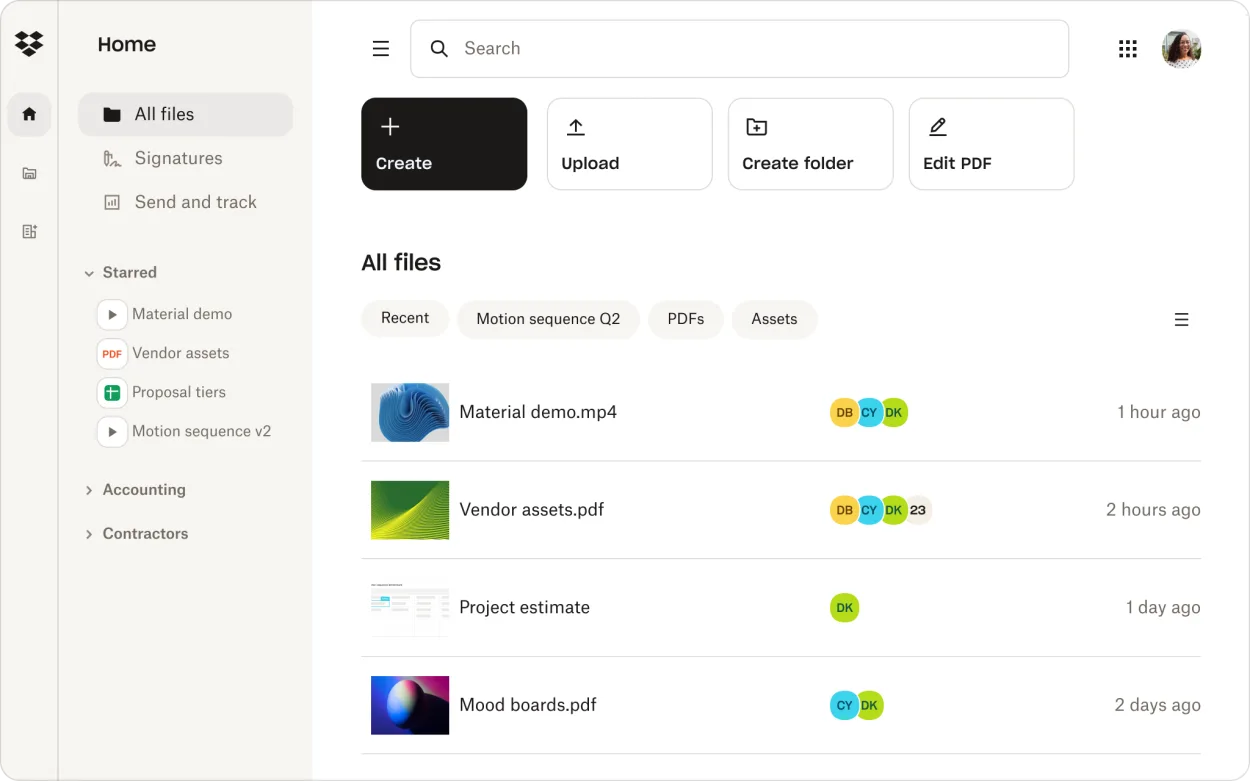
Dropbox has announced that its password manager “Dropbox Passwords” will shut down permanently on 28 October 2025. Launched in 2020, Dropbox Passwords is closing after just 5 years, forcing users to quickly migrate their data to an alternative.
The decision is part of a strategy to refocus on Dropbox’s core features, abandoning this diversification into password management in the face of established competitors such as 1Password and Bitwarden.
Dropbox Passwords shutdown timeline
The shutdown takes place in three phases:
28 August 2025: Dropbox Passwords switches to read-only mode. You can no longer add new passwords and autofill is disabled.
11 September 2025: the mobile app stops working. Only the browser extension remains temporarily available.
28 October 2025: the service shuts down completely. All stored data (passwords, payment information, notes) will be permanently deleted from Dropbox’s servers.
How to migrate your data before the shutdown
Migrating to 1Password (recommended)
Dropbox makes it easy to move to 1Password with a built-in procedure:
- Click the Dropbox Passwords extension in your browser
- Select “Migrate to 1Password”
- Sign in to your 1Password account or create a new one
- Follow the instructions to import your passwords automatically
Manual export to other password managers
To migrate to other solutions (Apple Passwords, Bitwarden, Dashlane):
- Go to Preferences > Account > Export in Dropbox Passwords
- Download the CSV file containing your data
- Adapt the format to the requirements of the destination password manager
Dropbox export format: Name, Username, Password, Notes, URL
Apple Passwords format: Title, URL, Username, Password, Notes, OTPAuth
Implications for businesses
Organisations using Dropbox Passwords face particular challenges:
- No centralised management is possible
- Each user has to export their data individually
- Administrators can use the admin console to see which members use the service
- Risk of data loss if some employees neglect to migrate
Why Dropbox is giving up on passwords
This decision reflects several market realities:
Fierce competition: the password manager market is dominated by specialists such as 1Password, Bitwarden, LastPass and Dashlane, making it hard to stand out.
Technical complexity: secure password management requires specialist expertise and constant security investment.
Strategic refocus: Dropbox prefers to concentrate its resources on its core business: file storage, collaboration and automation.
Lessons for users
This shutdown highlights the importance of choosing long-lasting solutions:
Avoid dependency: rely on specialist companies rather than side features.
Easy migration: favour password managers that offer standard export options.
Regular review: periodically reassess your choice of security tools.
Recommended alternatives after Dropbox
Free solutions
- Apple Passwords: built into the Apple ecosystem, free
- Bitwarden: a robust free version, open source
- Google Password Manager: built into Chrome and Android
Premium solutions
- 1Password: intuitive interface, advanced business features
- Dashlane: dark web monitoring, built-in VPN
- Keeper: strong encryption, security audits
Urgent actions to take
Before 28 August: export your data while all features are still active
Before 28 October: complete your migration to a new password manager to avoid permanently losing your passwords
Secure the export: store the CSV file on a secure device and delete it once the import has succeeded
The Dropbox Passwords shutdown is a reminder of the importance of specialisation in cybersecurity. Password managers remain a critical link in digital security, which justifies using dedicated solutions rather than side features of general-purpose tools.
Dropbox Passwords shutdown: frequently asked questions
Dropbox is closing Dropbox Passwords to refocus on its core storage and collaboration features, abandoning this diversification in the face of specialist competitors.
Dropbox Passwords is closing in stages: read-only mode on 28 August, mobile shutdown on 11 September and full deletion on 28 October 2025.
Export your data via Preferences > Account > Export to get a CSV file, or use the direct migration to 1Password via the browser extension.
All your data stored in Dropbox Passwords will be permanently deleted on 28 October 2025 with no way of recovering it.
Dropbox recommends 1Password, with an assisted migration, but you can choose Bitwarden, Apple Passwords, Dashlane or Google Password Manager depending on your needs.
No, the shutdown only concerns the password manager. Your other Dropbox services (storage, sync) are not affected.

Leave a Reply